To rollback a page to the previous published version, please follow these steps:
1. Click on the page you want to roll back
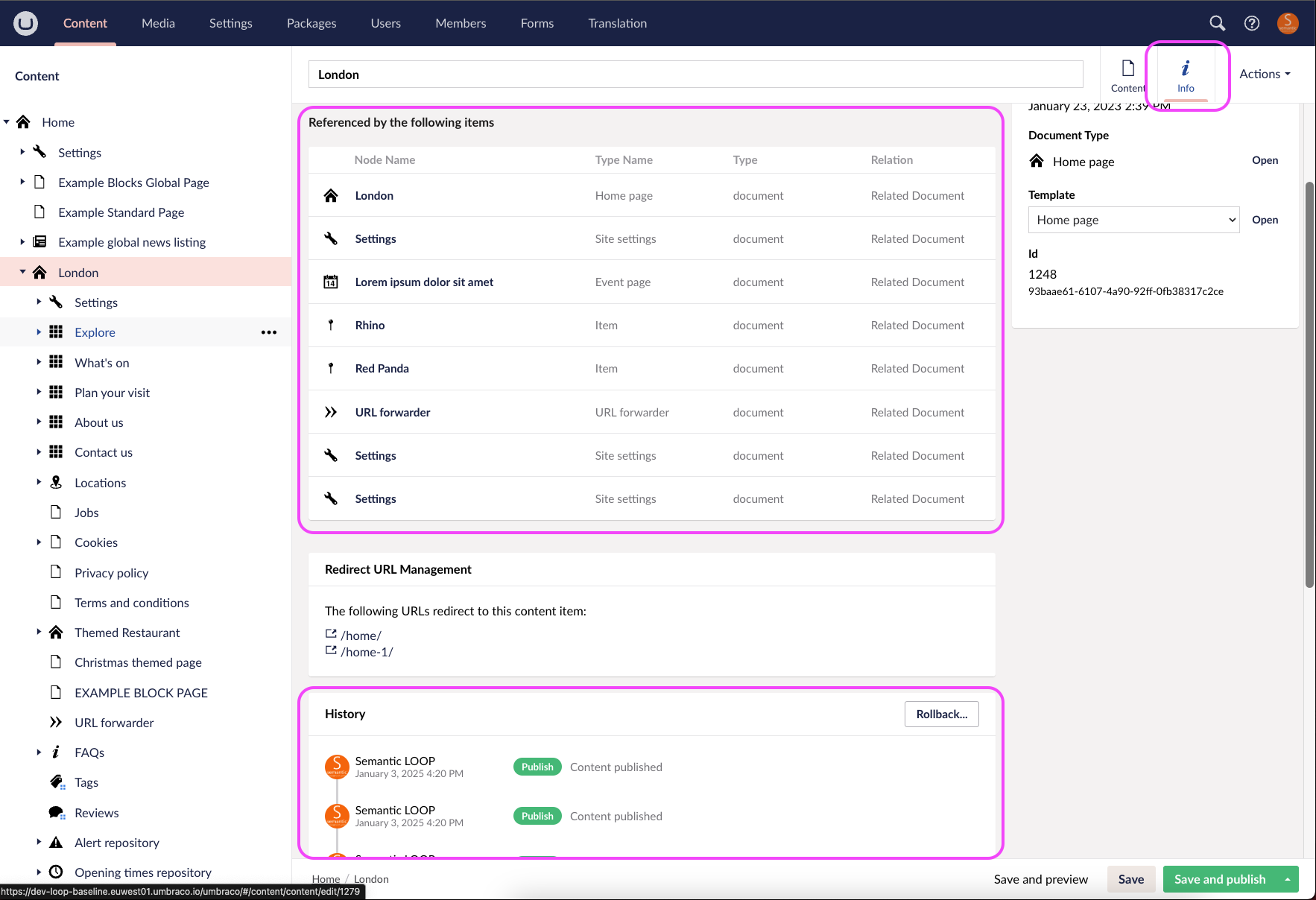
2. Click 'info' in the top right hand corner
3. Scroll down (if needed) and you'll find a 'rollback' button under the page dependencies:
If you're having trouble, please contact us.
Was this article helpful?
That’s Great!
Thank you for your feedback
Sorry! We couldn't be helpful
Thank you for your feedback
Feedback sent
We appreciate your effort and will try to fix the article