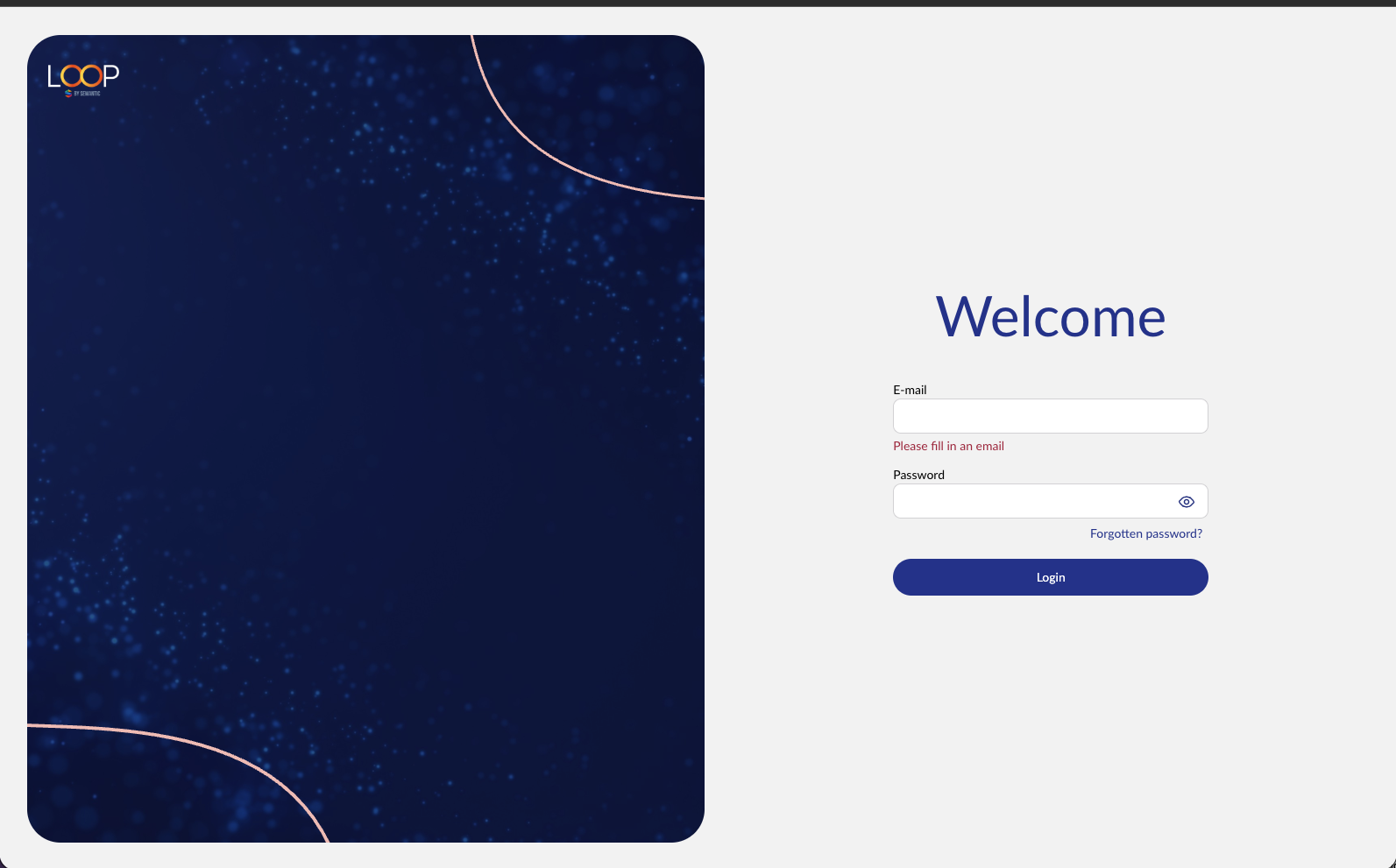
Accessing the login screen
To log in to the CMS just add '/umbraco' to the end of your website address in your browser URL.
Note whether you are wanting to edit the LIVE or DEV site. If it's the live site you're after, then just add /umbraco to your normal website domain.
If the site is being built as a new site, then you'll be on the DEV domain until close to launch. We recommend bookmarking both DEV and LIVE domains.
If it's the dev site this is typically accessible using a link in this format:
https://dev-your-website.euwest01.umbraco.io/umbraco/
(note that spaces in your brand name will need to be changed to dashes)
We recommend testing any large campaigns, sitewide changes or implementing new features on your DEV site first. This is normally quick to check everything looks OK, then you can recreate the same settings quickly on LIVE.
Logging out
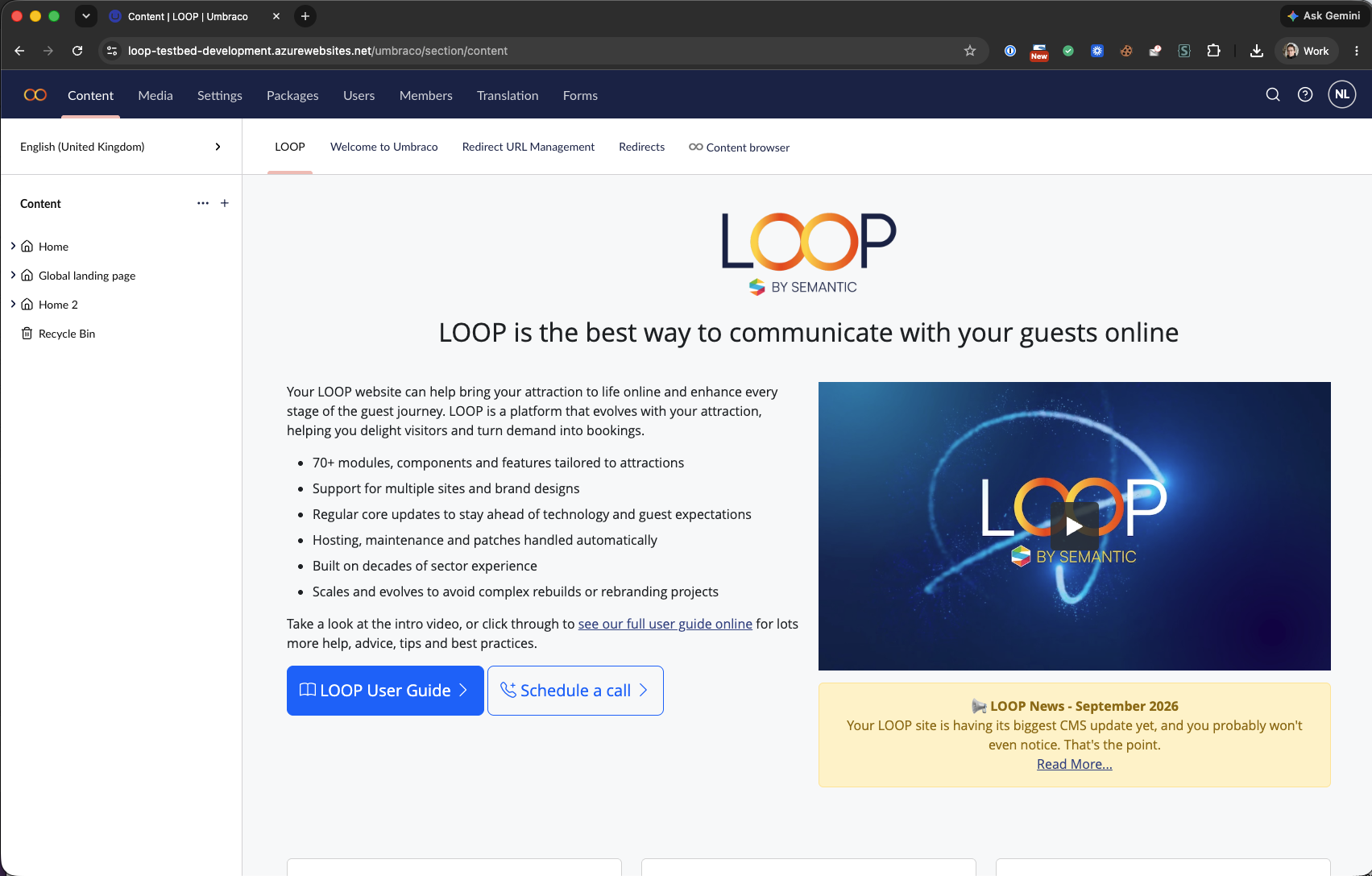
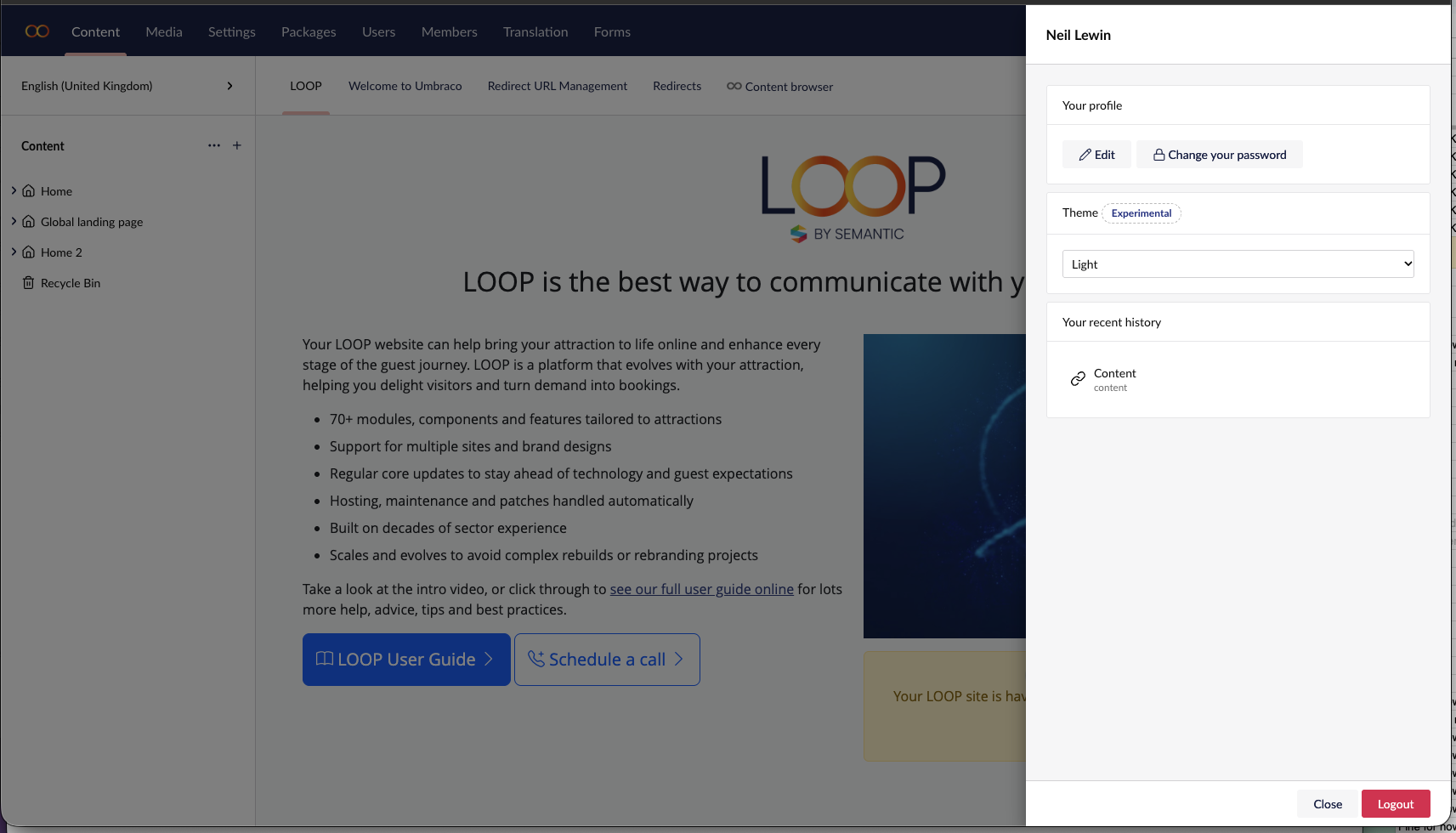
To log out of the Umbraco backoffice, select the profile icon in the top right of the screen of the CMS dashboard. A window will open from the right with a 'Logout' button at the very bottom.
Was this article helpful?
That’s Great!
Thank you for your feedback
Sorry! We couldn't be helpful
Thank you for your feedback
Feedback sent
We appreciate your effort and will try to fix the article