Did you know that there is a search option inside the CMS.
This means that you can search for pages, media, files and forms - and it's super helpful for large sites.
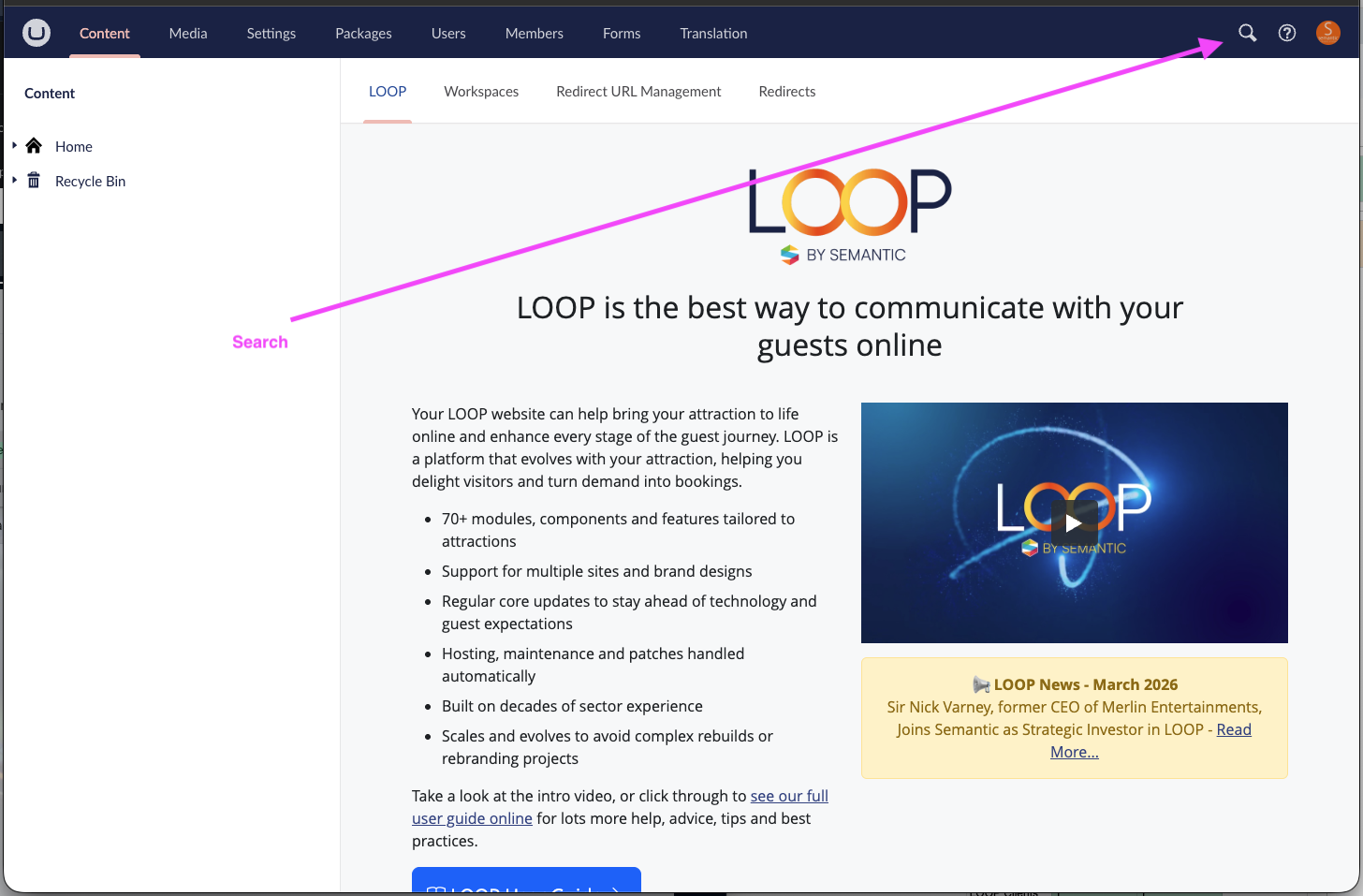
It's a handy way to get where you need to go as quickly as possible.
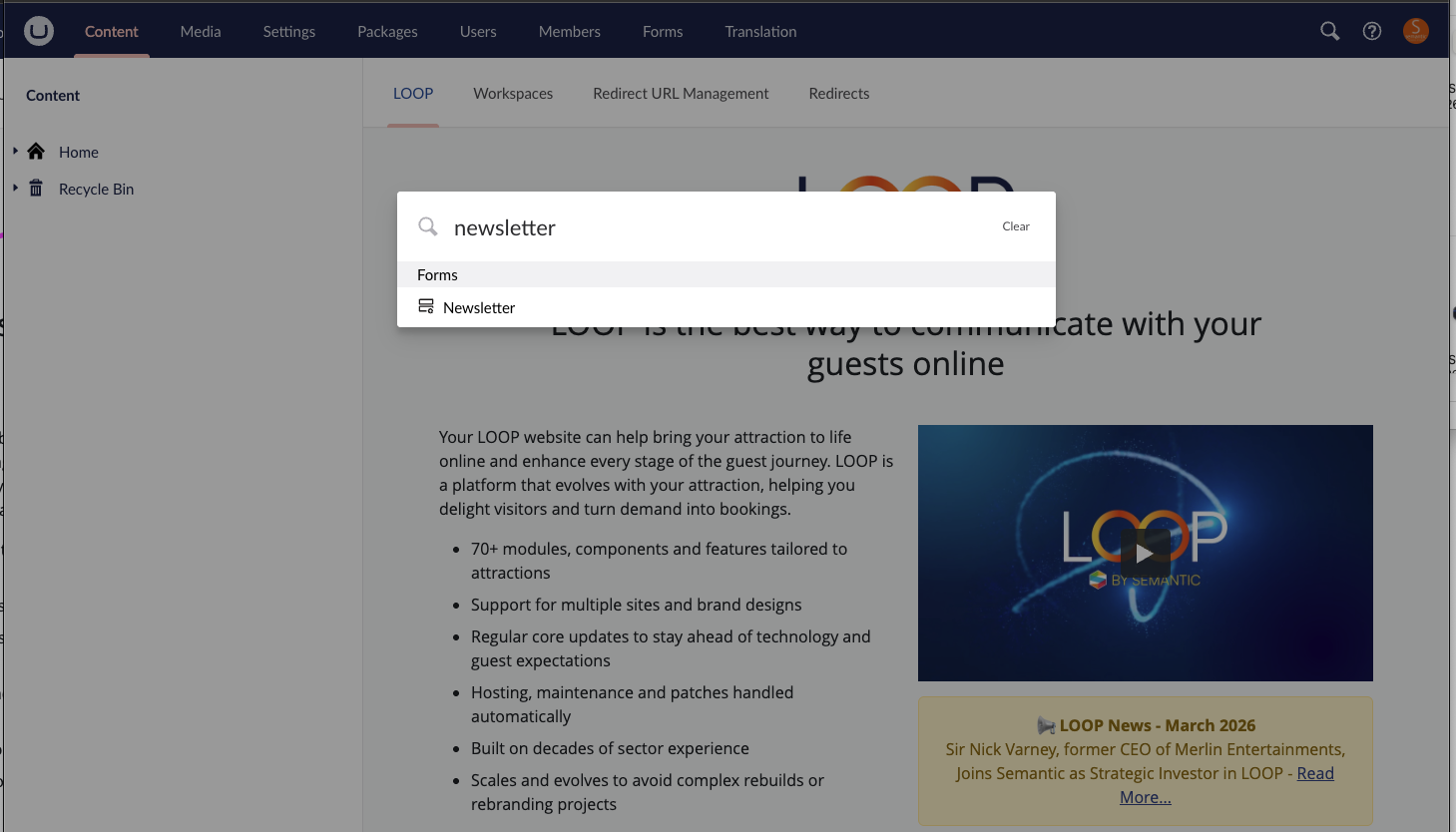
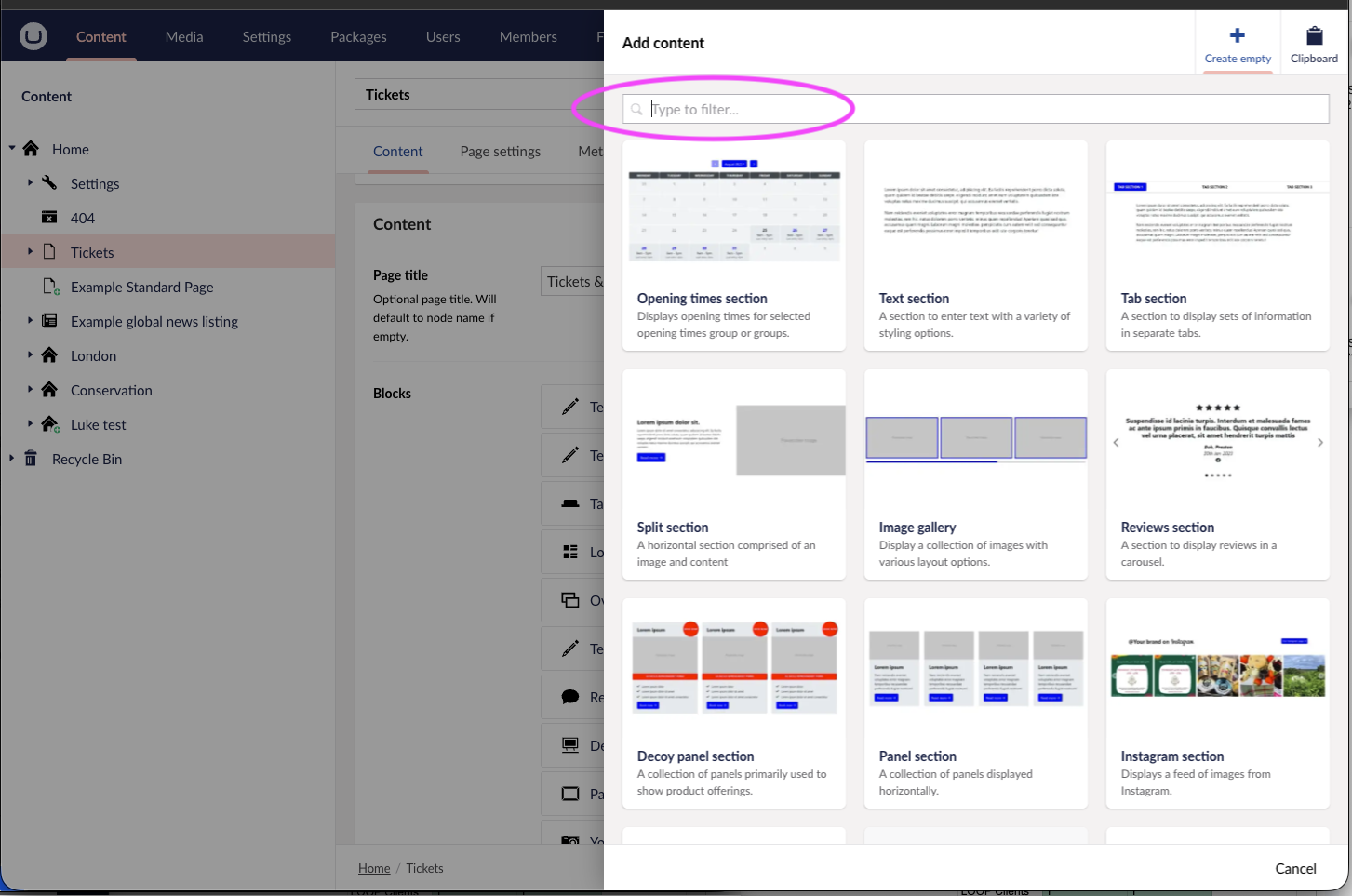
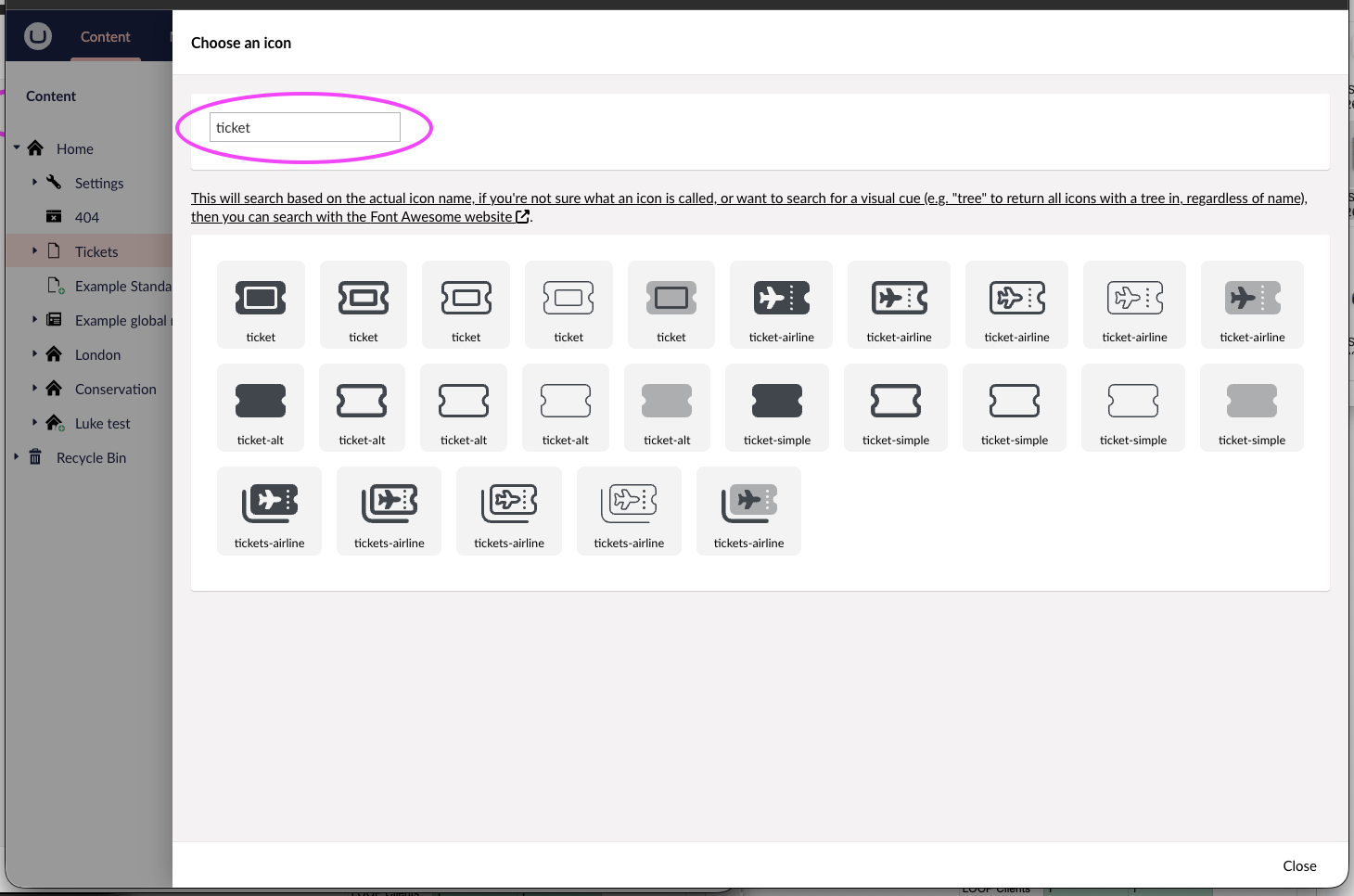
There are a few other areas where searching in the CMS is faster than navigating:
- Picking blocks from the Block Editor
- Searching for specific icons
- Finding pages to link to in Link Pickers
Here's where you can find each of these:
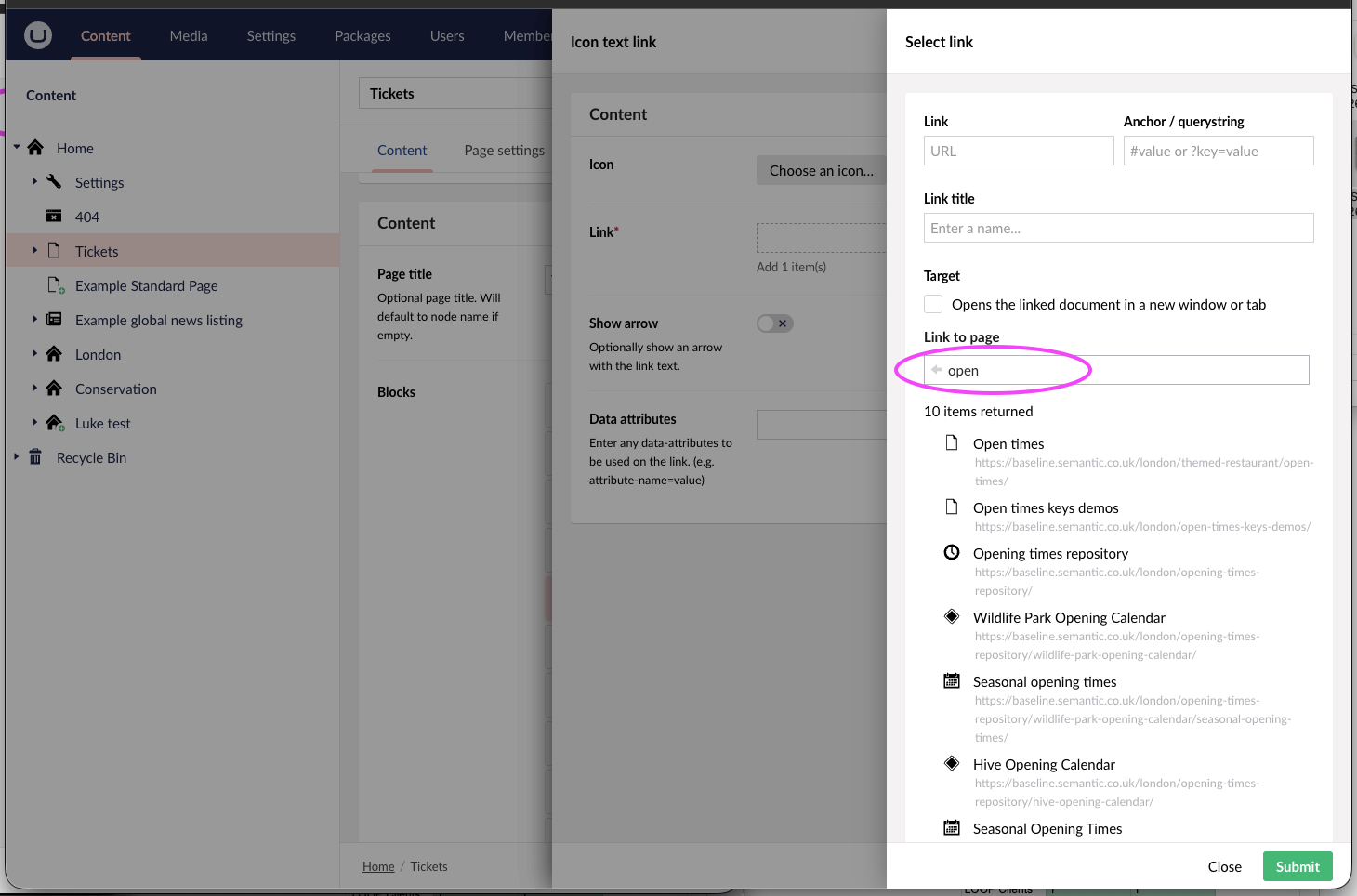
Note, when picking links, be careful to select pages, rather than 'repositories' of special content. This is labelled to keep the different types obvious in the pickers.
Was this article helpful?
That’s Great!
Thank you for your feedback
Sorry! We couldn't be helpful
Thank you for your feedback
Feedback sent
We appreciate your effort and will try to fix the article